
Frequently Asked Questions
- Q. What is IDOUDO?
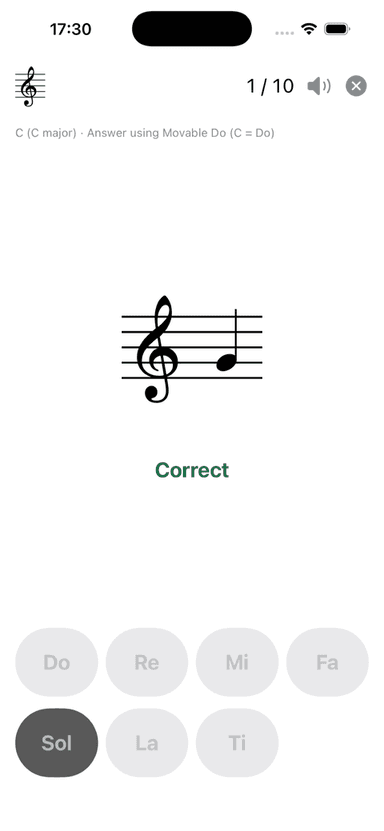
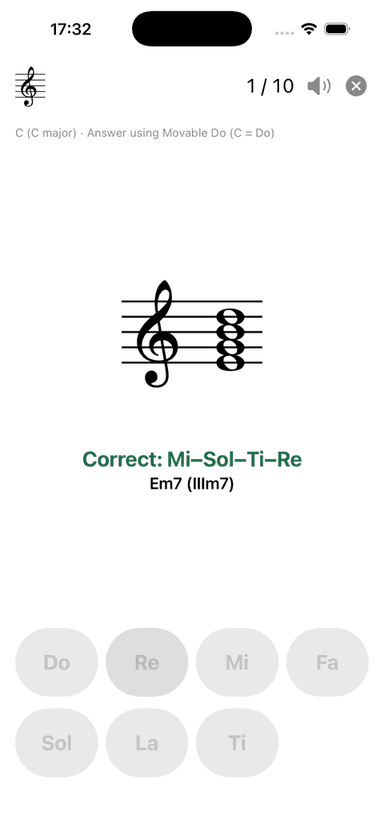
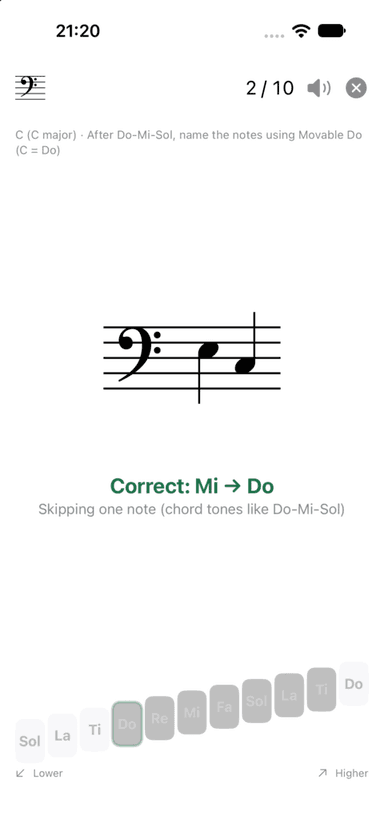
- IDOUDO helps you quickly read notes on a staff using movable Do in a selected key. It supports all 12 keys and records your response time for each 10-question round. Music is rendered as authentic staff notation using the Bravura music font.
- Q. Can I use it if I am new to staff notation?
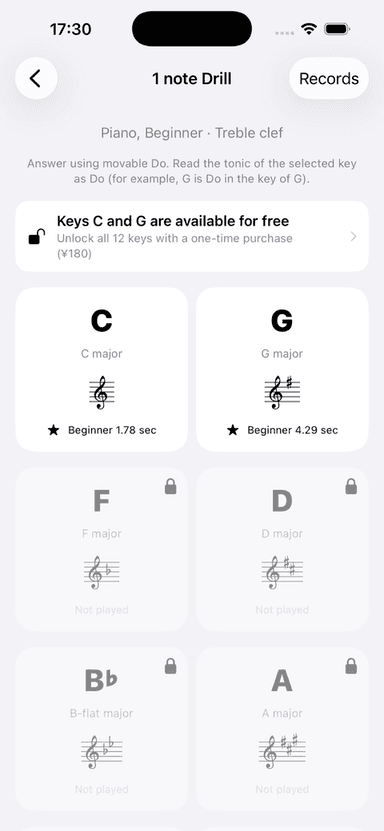
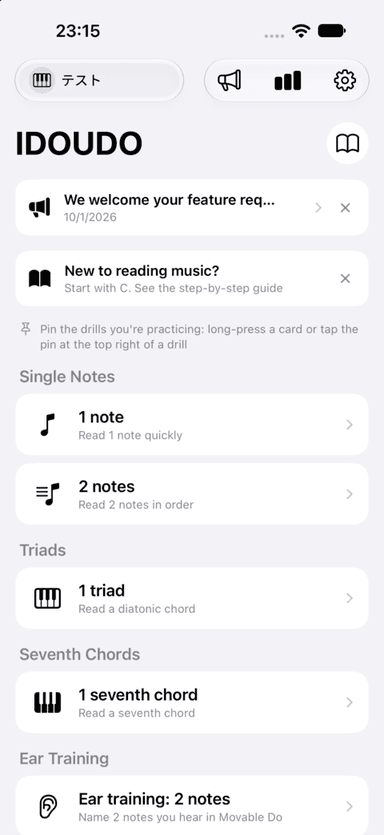
- Yes. In C major, movable-Do syllables match the note names Do, Re, Mi, and so on. Start with the 1 Note drill in C and follow Getting Started with Staff Notation from the Home or Settings screen.
- Q. What can I practice for free?
- Keys C and G are free in every drill. The other ten keys can be unlocked with a one-time purchase for each drill. Starting with version 1.1, you can also choose All Drills, a subscription that unlocks every drill in all 12 keys (monthly with a 1-month free trial, or yearly; prices are shown in the app).
- Q. How do I cancel the All Drills subscription?
- On your iPhone, open Settings, tap your name at the top, then Subscriptions, and choose IDOUDO. You can also open it from Settings in the app (Manage Subscription). If you cancel at least 24 hours before the free trial ends, you won't be charged. After canceling, you can keep using it until the end of the period you've paid for. Drills you bought with a one-time purchase stay unlocked.
- Q. My purchase is still locked, or it disappeared after changing devices.
- Open Settings in the app and tap Restore Purchases. Purchases are linked to your Apple Account and can be restored at no charge when you use the same account.
- Q. Will more drills be added?
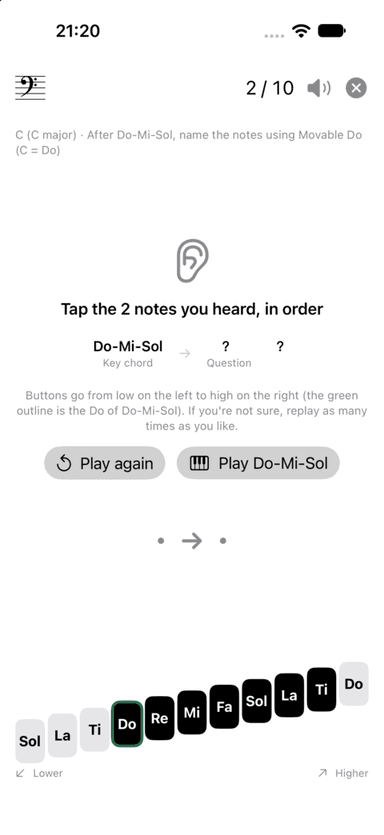
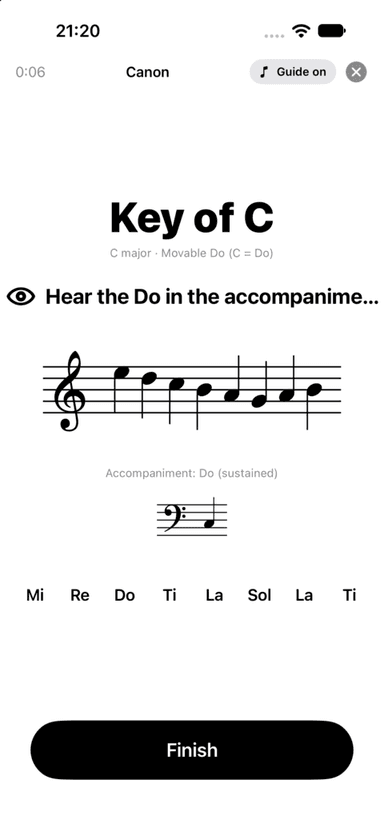
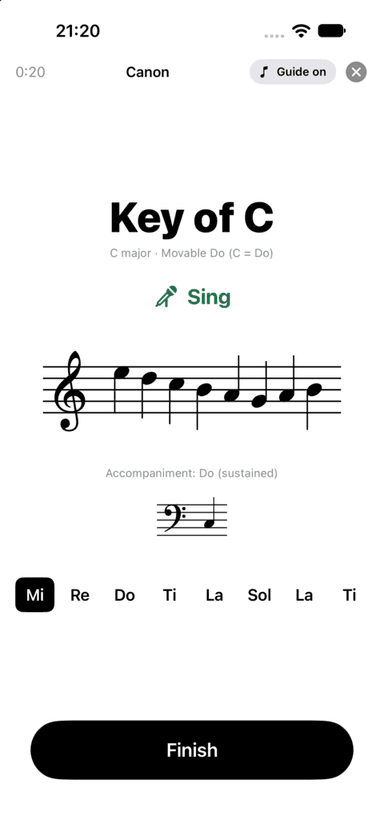
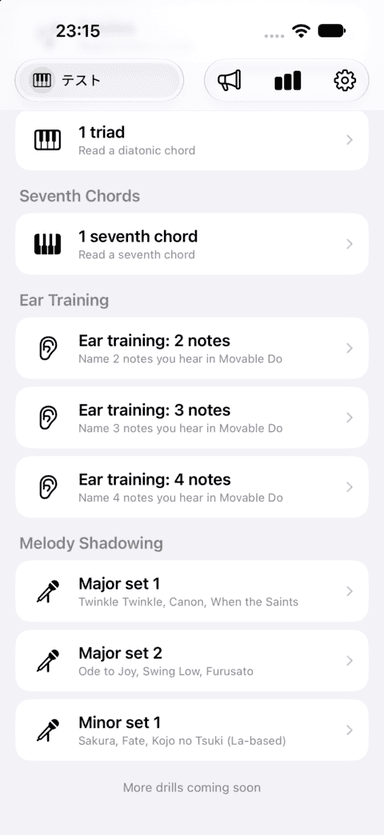
- Yes. Version 1.1 adds Ear Training (2, 3, and 4 notes) and Melody Shadowing (Major sets 1 and 2, Minor set 1). More drills, including three- and four-note reading and chord progressions, are planned for future updates.
- Q. Which clefs and ranges are supported?
- Your instrument and level determine the clef and range used in questions. IDOUDO supports treble, bass, and C clefs, including instrument-appropriate ranges for piano, guitar, violin, cello, viola, trumpet, saxophone, voice, bass, clarinet, and more.
- Q. Are my records deleted if I change levels?
- No. Records and personal bests are kept separately for every drill, key, and level.
- Q. Can several people use the app?
- You can create up to 50 profiles, each with separate records and levels. Purchased drill access is shared by all profiles on the device.
- Q. Where are my practice records stored?
- Profiles and practice records are stored only on your device. They are not synced with iCloud. Deleting the app also deletes these records, while purchases can be restored through your Apple Account.
- Q. Does the app collect personal information or show ads?
- IDOUDO has no ads and does not collect or transmit personal information. See the Privacy Policy for details.
- Q. The notation looks wrong, or I think an answer is incorrect.
- Please contact us with the drill name, key, clef, level, and, if possible, a screenshot. We will review it and correct any issue.
Related page: IDOUDO Privacy Policy
Contact Us
If you need further help, please email us. We usually reply within two to three business days.